
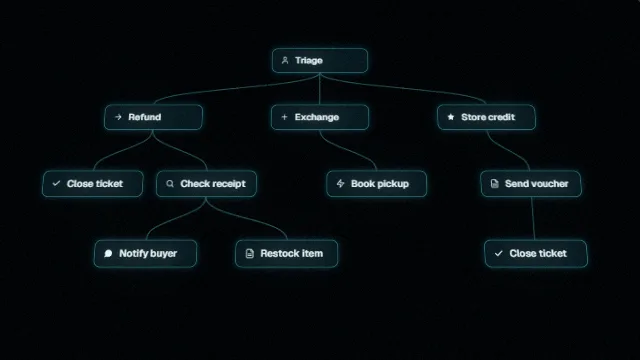
Workflow app explainer — one minute
Inbox, workflows, reports: a 60-second explainer that walks through a work app, scored.
- Format
- 16:9 · 60.2 s
- Scenes
- 9
- Editable text
- 52 layers
- Fonts
- Geist
Free account. Opens a copy in the Kineform studio, ready to edit.
Made for “Tether”, a fictional brand. Swap in your own.
What's inside
- Soundtrack and sound effects
- 243 layers in total, every one editable
Scenes
- Tabs (timed)
- Graph (timed)
- Wires (timed)
- Words (timed)
- Actions (timed)
- Overview (timed)
- Panel
- Promise
- Orb
Words you'll replace
“Inbox” · “Workflows” · “Reports” · “Start” · “Triage” · “Reads the message and decides: a refund or an exchange.” · “They want their money back” · “They want another size” · “Refund” · “Checks the order and pays back the card.”
How to make it yours
- Press “Use this template”. A copy opens in the Kineform studio — nothing to install.
- Rewrite any text, replace the photos and screens with your own, and set your brand colours and fonts.
- Or ask the built-in agent: “use our logo and colours, and change the headline to …”.
- Export MP4, WebM, GIF or a PNG sequence. Rendering happens on your own machine.
Similar templates
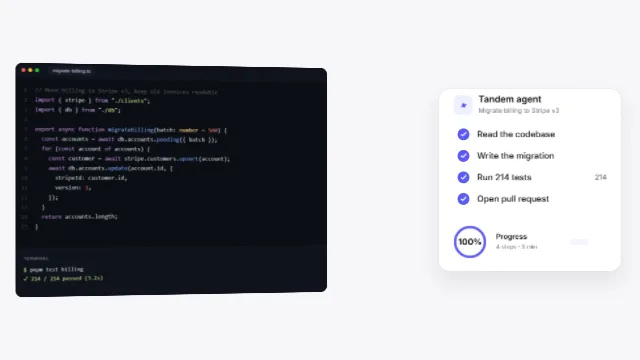
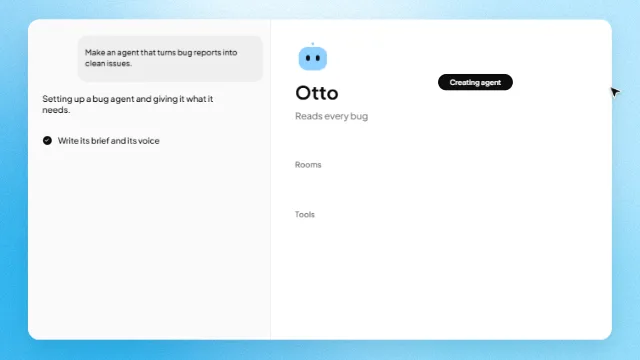
Every frame stays editable
Kineform templates are real projects on a real-time engine — 3D, light, glass, type and video — not flattened clips. Open one, change anything, export.