
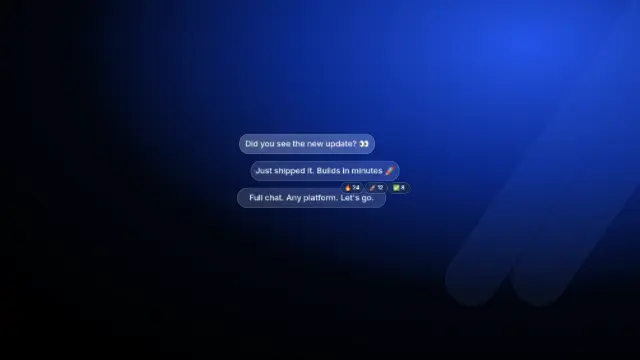
Chat app redesign walkthrough
A 48-second walkthrough of a messaging app's new design, screen by screen, with sound design on every tap.
- Format
- 16:9 · 48.1 s
- Scenes
- 14
- Editable text
- 187 layers
- Fonts
- Inter
Free account. Opens a copy in the Kineform studio, ready to edit.
Made for “Chat SDK redesign”, a fictional brand. Swap in your own.
What's inside
- Soundtrack and sound effects
- 358 layers in total, every one editable
Scenes
- Bubbles
- Chat Built Your Way
- Inbox phone
- Platforms
- Your Brand
- Use cases
- All Features
- Reactions
- Rich Attachments
- Voice Messages
- Slash Commands
- And More
- Logo
- End card
Words you'll replace
“9:41” · “Chats” · “Search” · “Maya Ross” · “Perfect, let's book it!” · “12:48” · “The Dream Team” · “Elena: This is amazing!” · “10:14” · “Mateo Alvarez”
How to make it yours
- Press “Use this template”. A copy opens in the Kineform studio — nothing to install.
- Rewrite any text, replace the photos and screens with your own, and set your brand colours and fonts.
- Or ask the built-in agent: “use our logo and colours, and change the headline to …”.
- Export MP4, WebM, GIF or a PNG sequence. Rendering happens on your own machine.
Similar templates
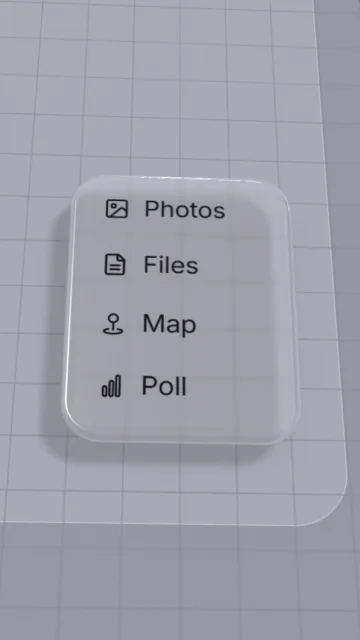
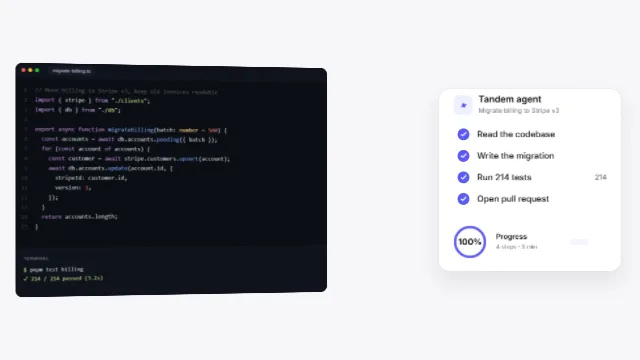
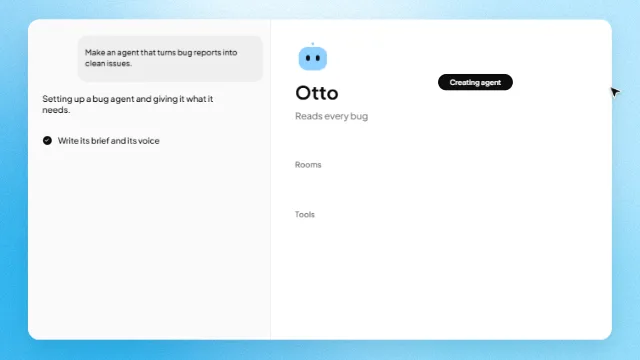
Every frame stays editable
Kineform templates are real projects on a real-time engine — 3D, light, glass, type and video — not flattened clips. Open one, change anything, export.