
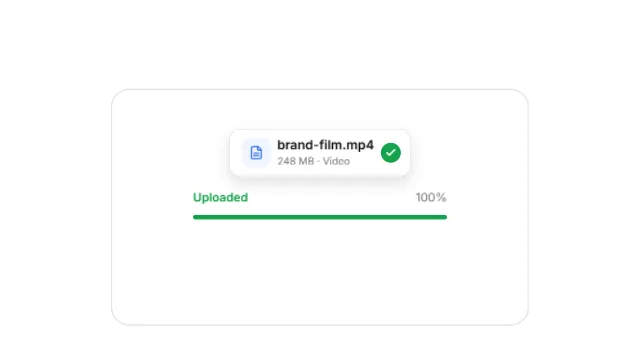
File upload UI animation
Drop files to upload: a file lands in the drop zone and its progress fills — a short UI moment for any upload flow.
- Format
- 16:9 · 9.2 s
- Scenes
- 2
- Editable text
- 9 layers
- Fonts
- Inter
Free account. Opens a copy in the Kineform studio, ready to edit.
Made for “Drop”, a fictional brand. Swap in your own.
What's inside
Scenes
- Upload
- End card
Words you'll replace
“Drop files to upload” · “or browse from your computer” · “brand-film.mp4” · “248 MB · Video” · “Uploading…” · “Uploaded” · “100%” · “Drop” · “Share anything, in seconds.”
How to make it yours
- Press “Use this template”. A copy opens in the Kineform studio — nothing to install.
- Rewrite any text, replace the photos and screens with your own, and set your brand colours and fonts.
- Or ask the built-in agent: “use our logo and colours, and change the headline to …”.
- Export MP4, WebM, GIF or a PNG sequence. Rendering happens on your own machine.
Similar templates
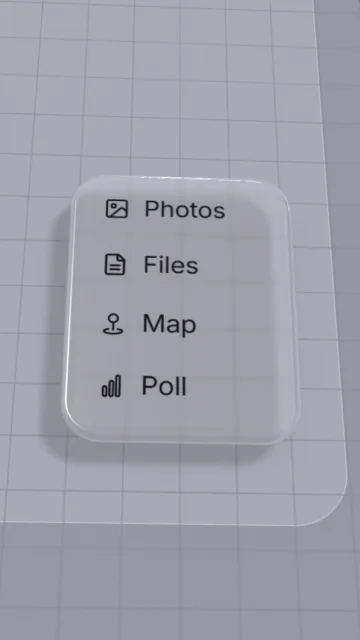


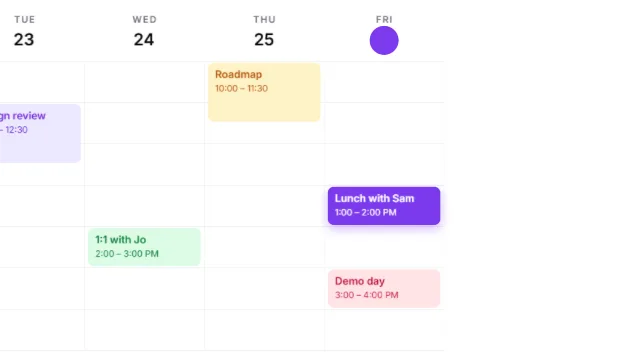
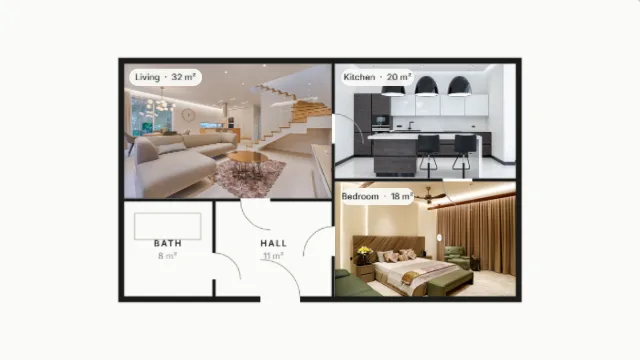

Every frame stays editable
Kineform templates are real projects on a real-time engine — 3D, light, glass, type and video — not flattened clips. Open one, change anything, export.